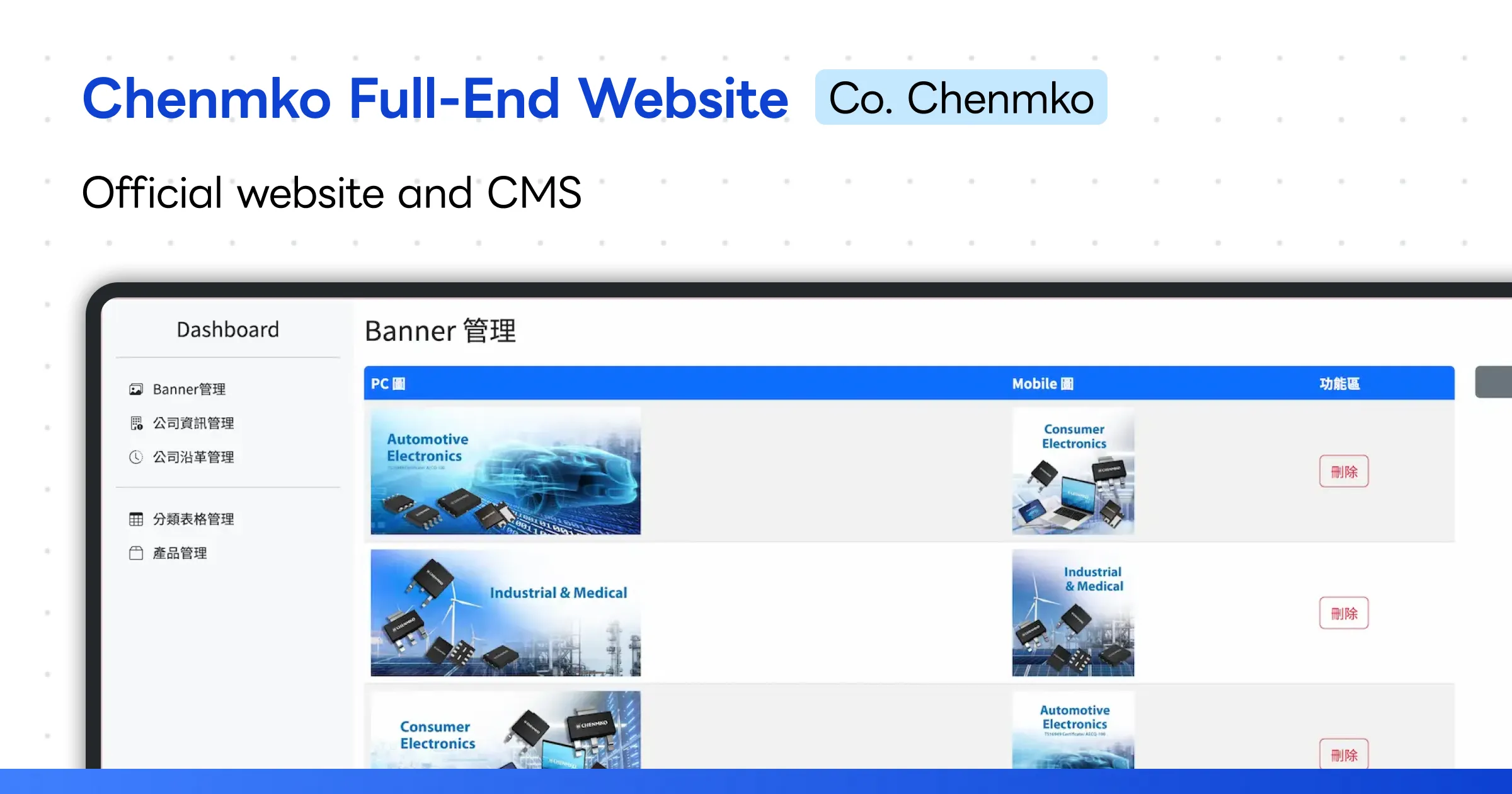
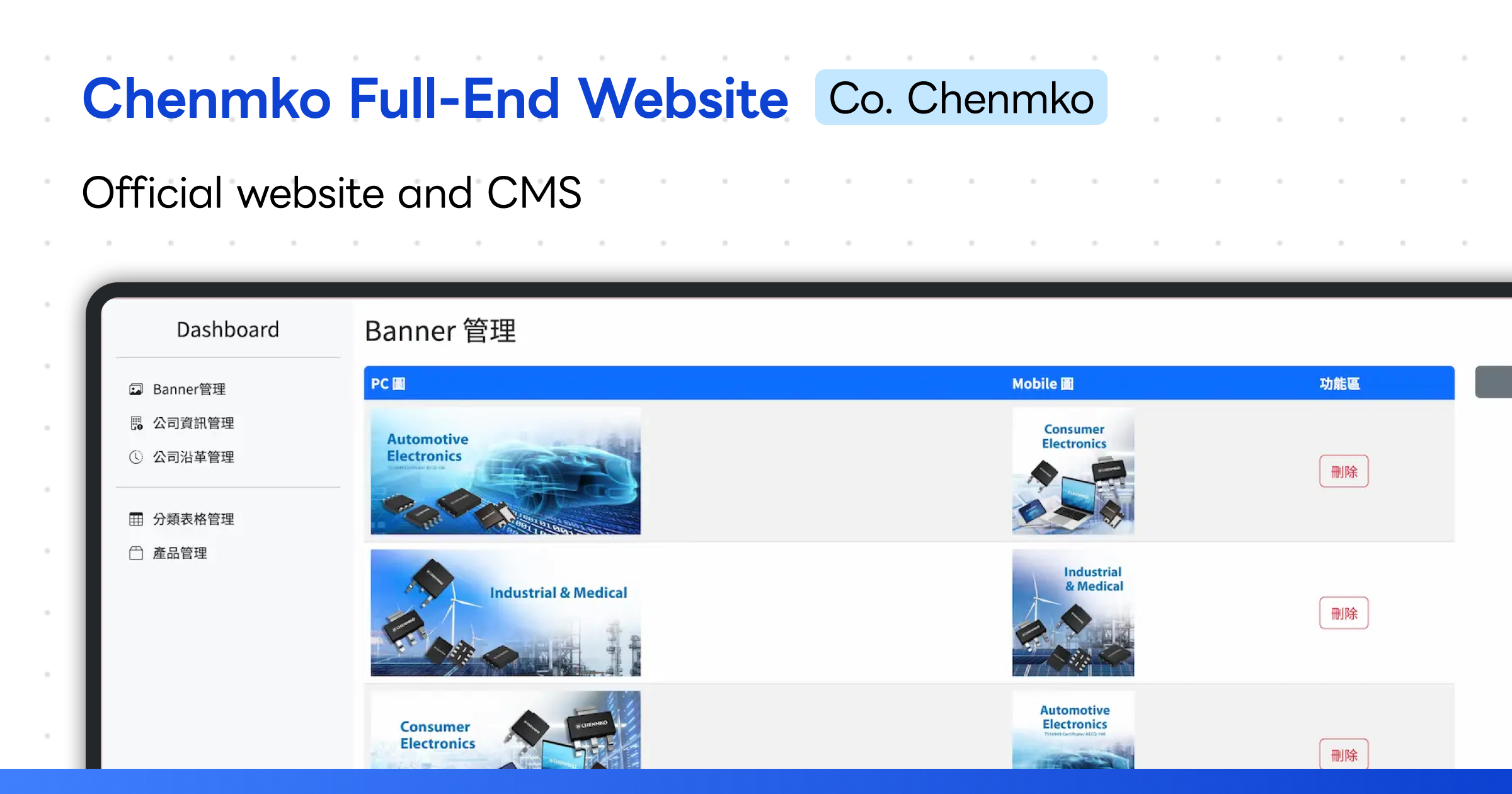
Built an official website and backend management system based on the client’s design files and product requirements.
- The frontend uses Bootstrap to build a responsive (RWD) website, ensuring the site displays correctly across different devices.
- The backend is built in PHP to facilitate future system handover as required by the client.
- Website content is available in English, Japanese, and Traditional Chinese to ensure the company’s target audience can understand the content.
Overall, the project goal was to build an efficient, easy-to-use official website and backend management system that showcases company information and allows straightforward product and content management.
Backend - Banner Image Management
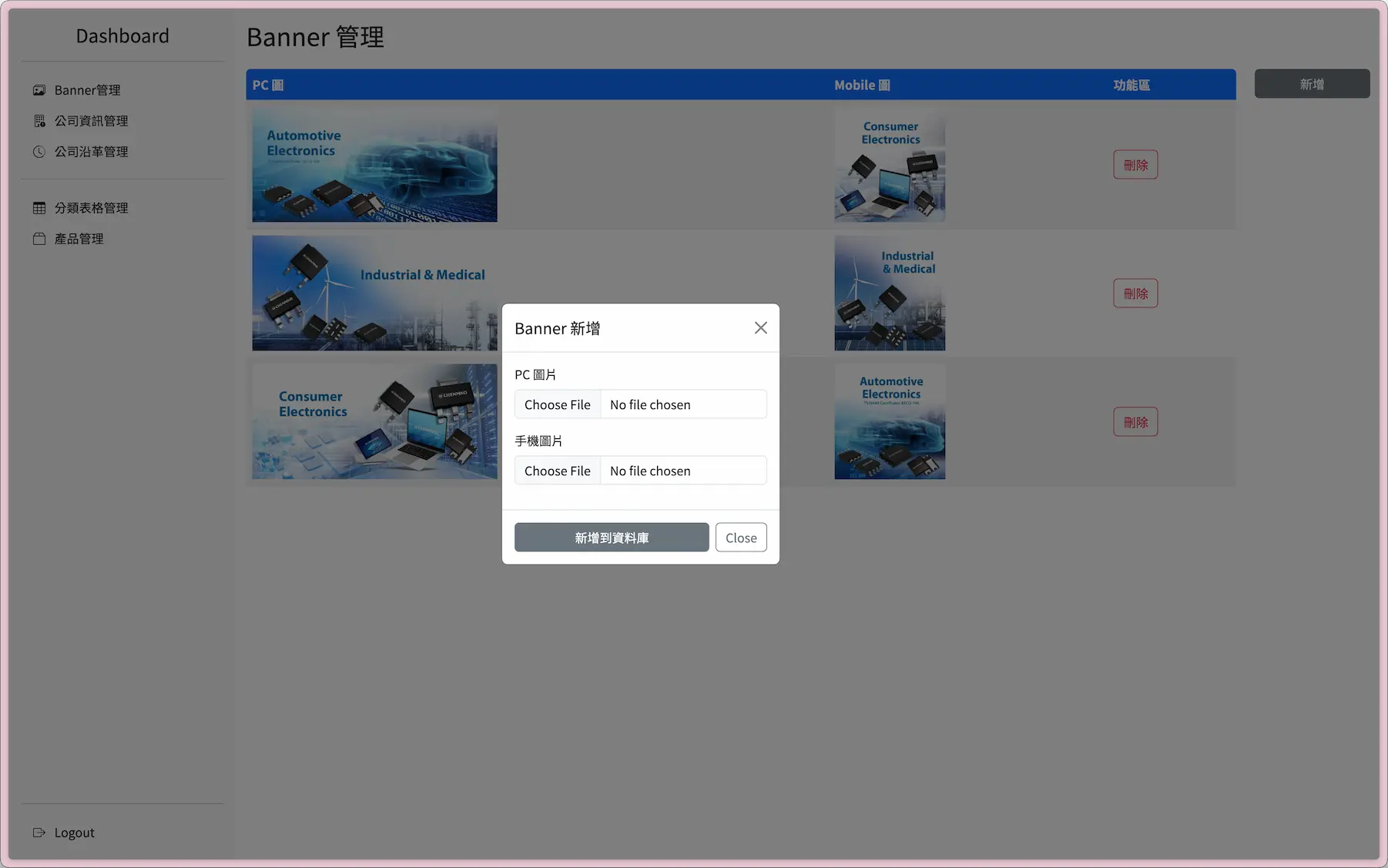
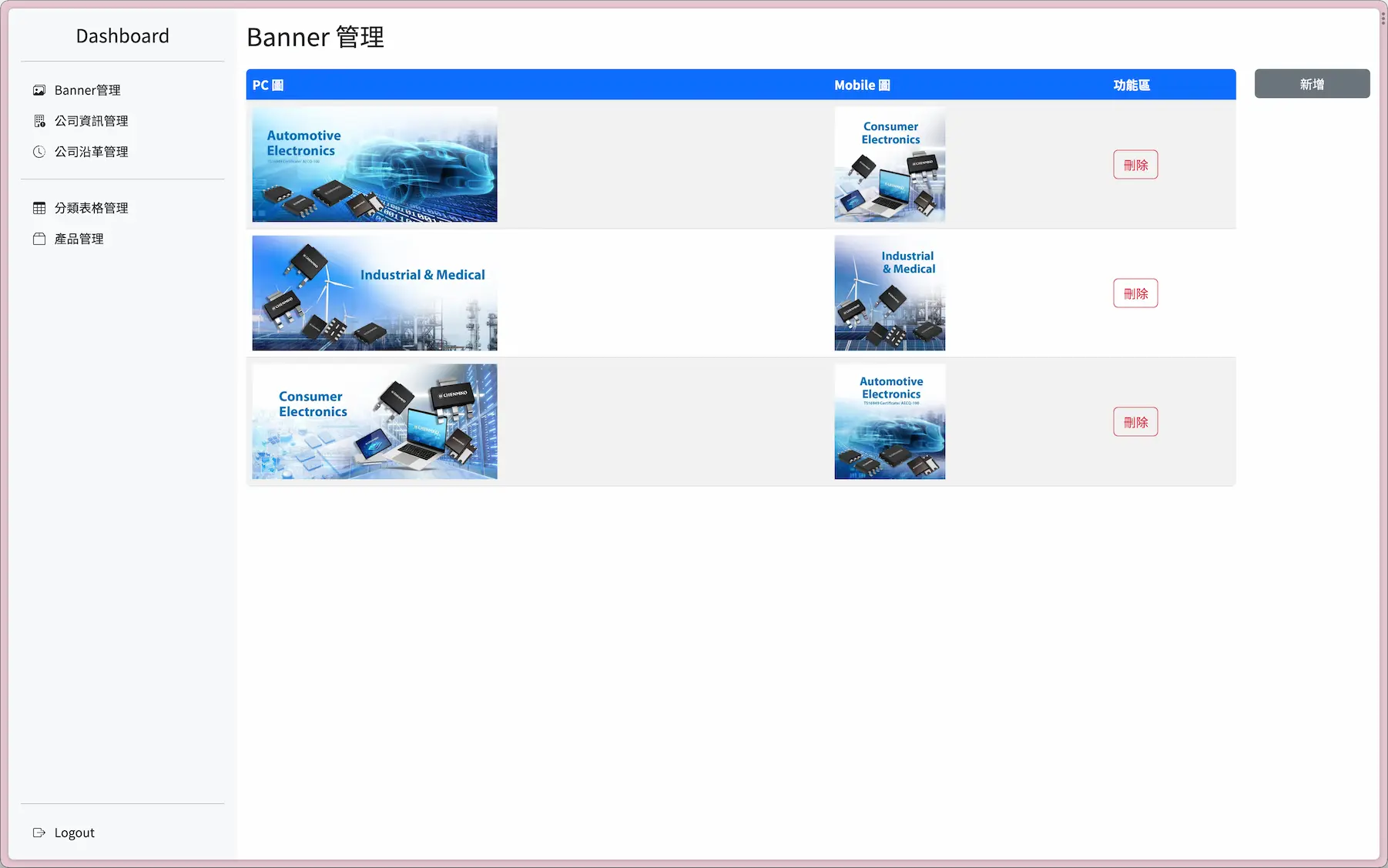
This tool provides a simple interface for browsing carousel images and performing additions or deletions directly. You can upload new carousel images or delete unwanted ones at any time, keeping the site’s carousel content fresh and appropriate.
Backend - Company Information Management
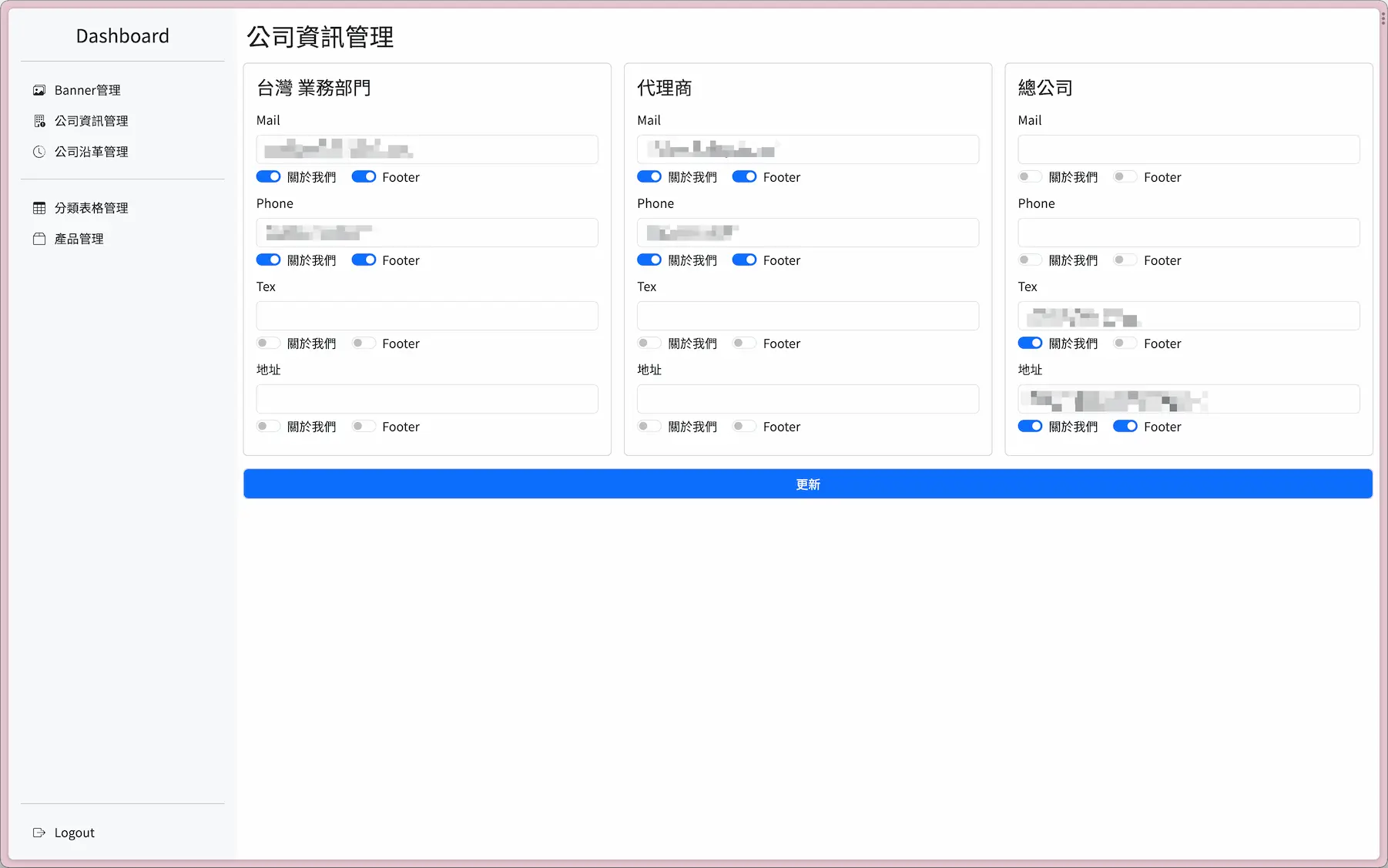
Provides functionality for managing company-related information such as basic company details and contact information. Through this system, businesses can conveniently manage their own information while also providing more details to customers and potential clients.
In addition to basic company information management, this solution also integrates Bootstrap Switches, allowing businesses to intuitively toggle whether relevant information is displayed on the Contact Us page and in the footer. This custom display toggle provides more flexibility, giving businesses better control over how their information is presented.
Backend - Company History Management
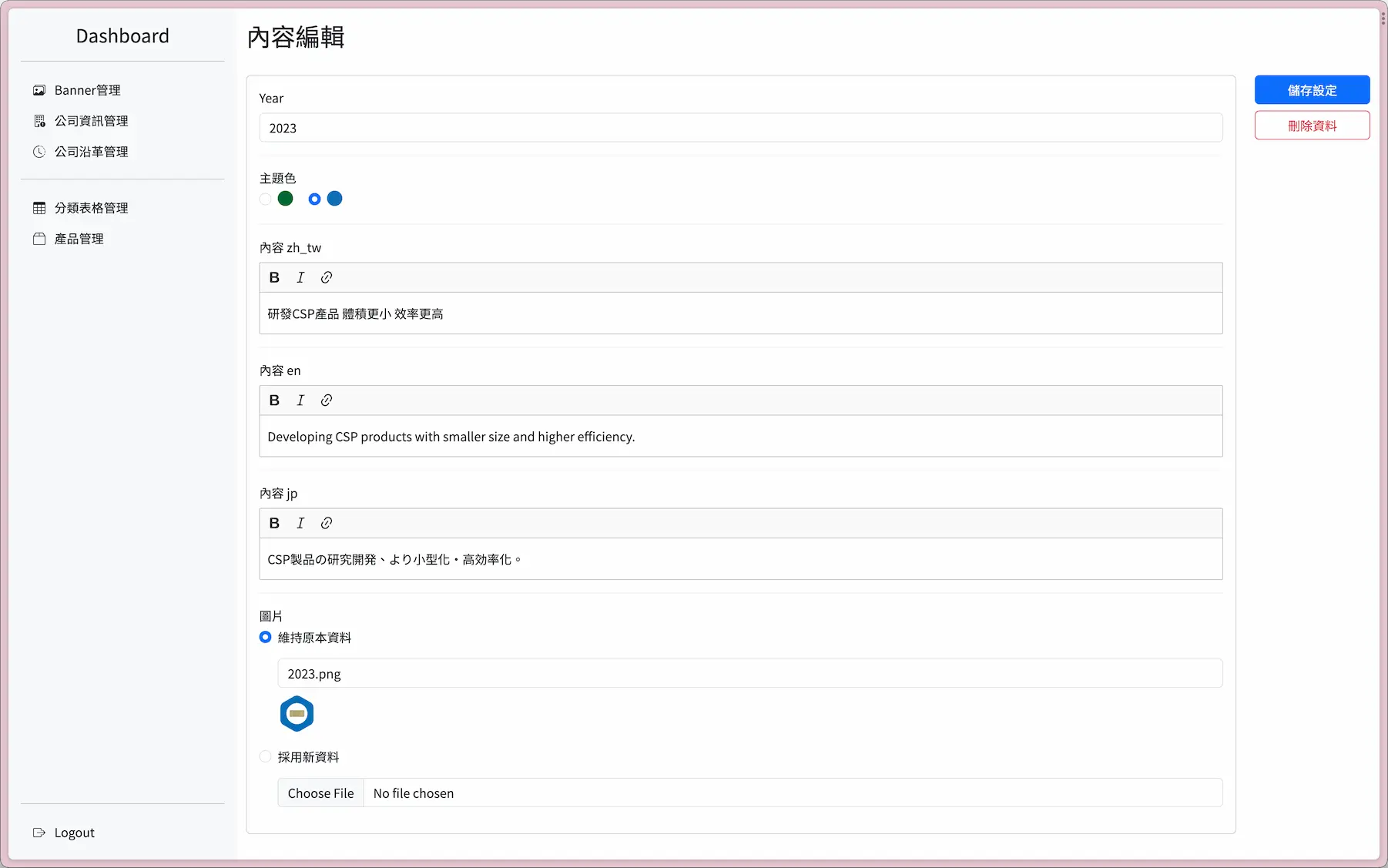
Having an easy-to-use yet powerful editing interface is essential for content managers. To meet this need, ckeditor was chosen as the solution.
With ckeditor, content managers can easily create, edit, and format website content without requiring any programming skills. Its clean and intuitive interface makes it straightforward to use, even for beginners who can get up to speed quickly.
Backend - Category Table Column Management
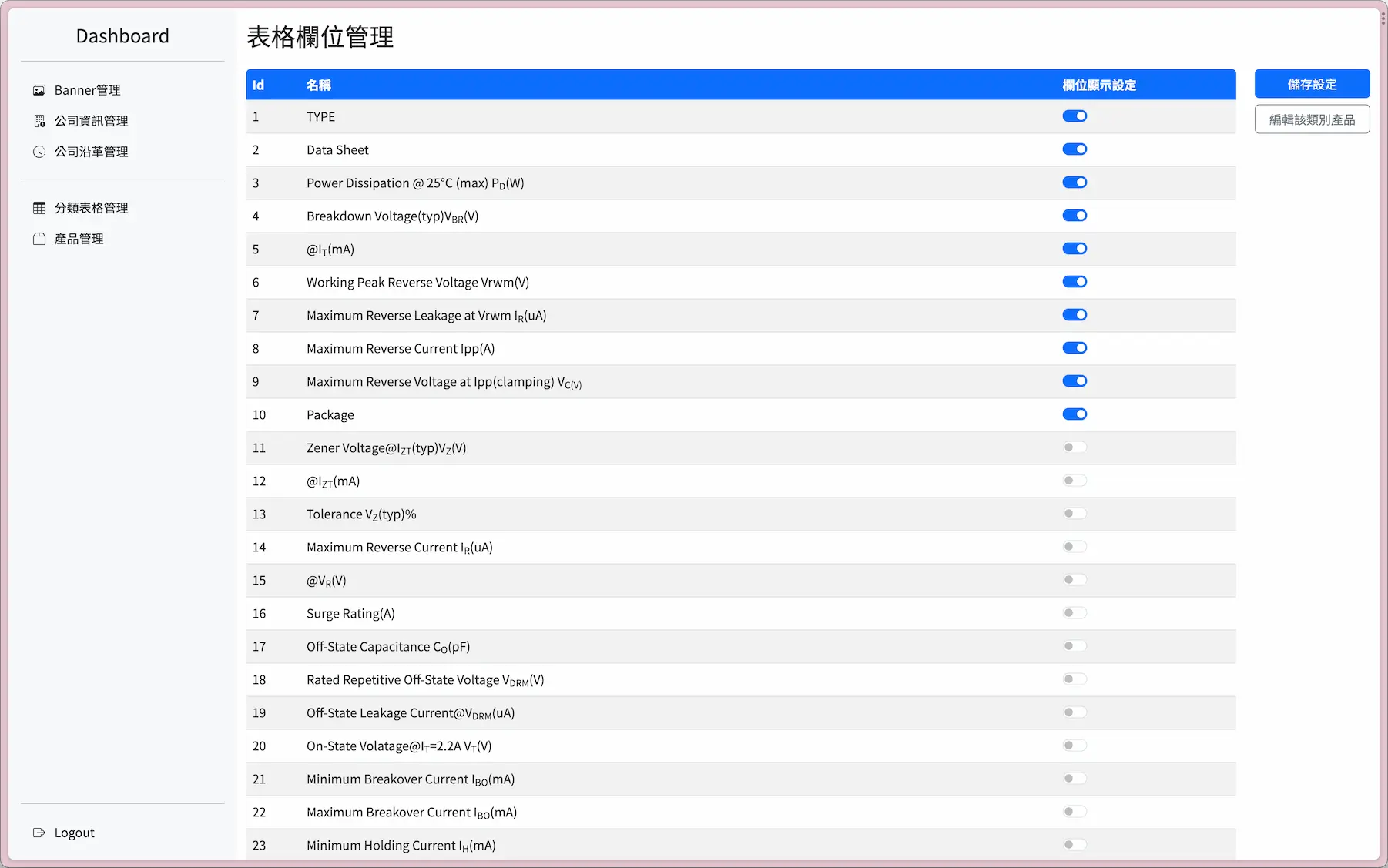
The system uses toggle switches so administrators can easily customize which product columns are displayed, making product presentation more flexible and effective. Because different product categories may require different columns, this design lets you intuitively enable or disable columns to ensure only relevant attributes are shown.
This design only shows the columns you need, making product listings more focused, intuitive, and easier for customers to understand.
With this design, you can quickly switch between column configurations for different product categories. The toggle feature automatically hides columns that are not needed, ensuring you only see columns relevant to your current product category.
Backend - Product Management
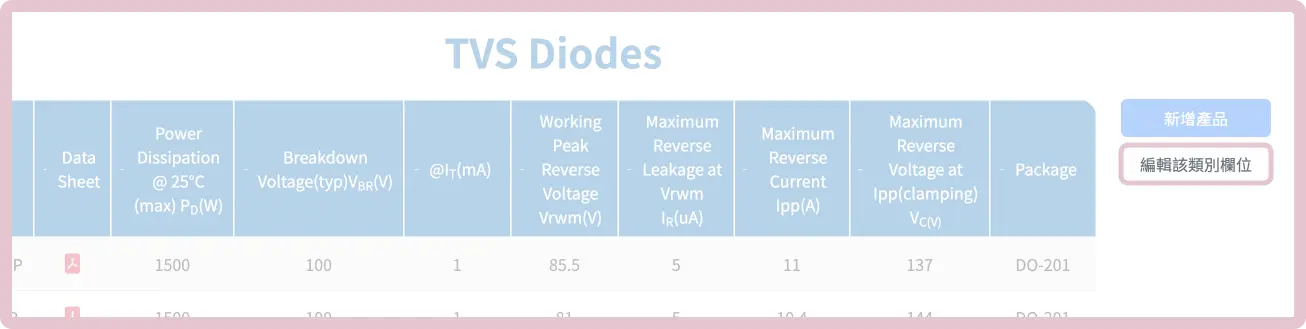
To help content managers edit category products and fields more quickly and conveniently, a quick-switch panel is provided on the side, allowing managers to easily navigate between different content areas. This tool saves time and improves workflow efficiency.
With this tool, content managers can edit products and fields without spending excessive time on repetitive navigation.
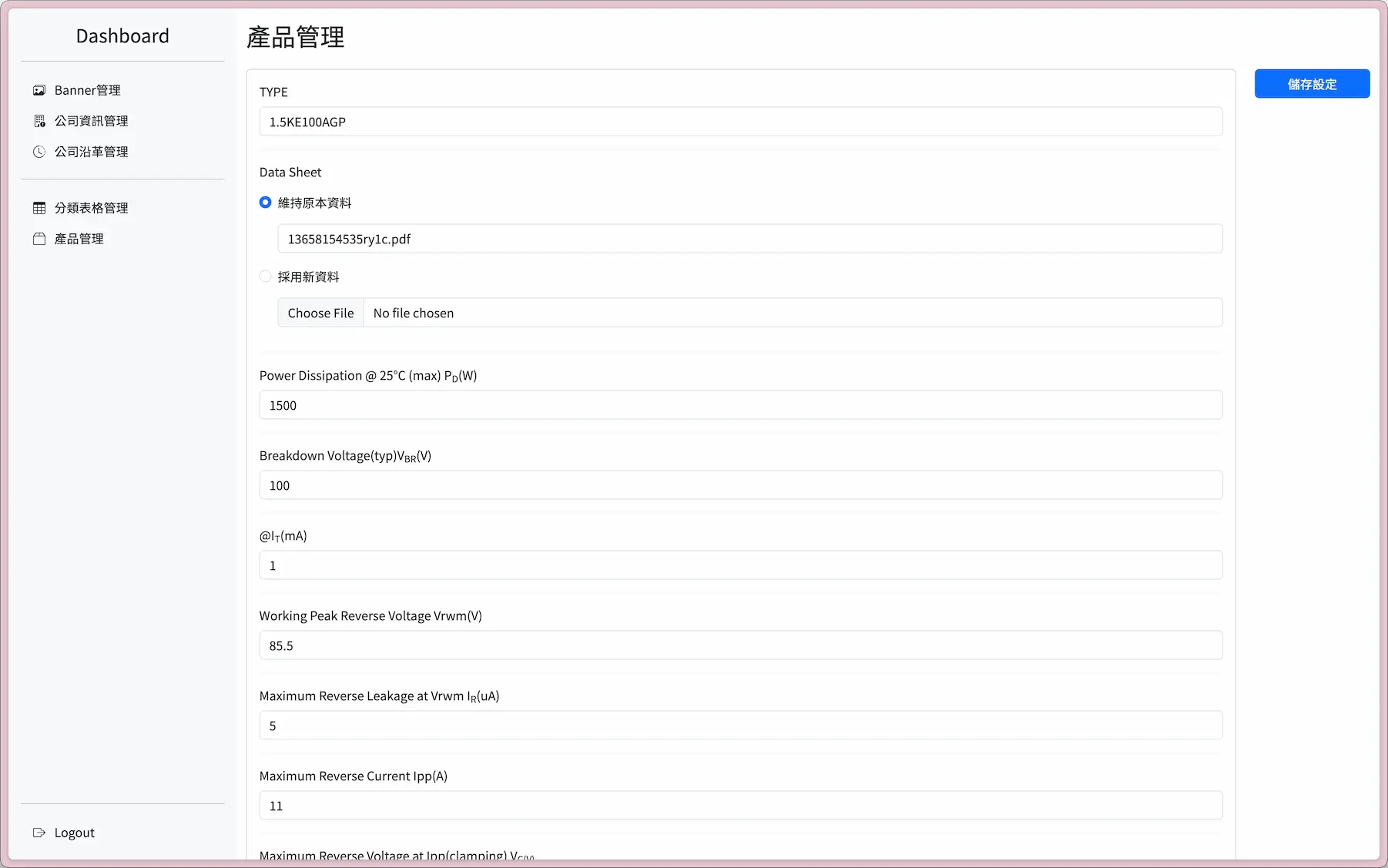
Displayed fields are dynamically adjusted based on the product’s category, so content managers are not distracted by fields that are not relevant to the current category when filling in content.
This content management system is designed to make it easier for content managers to fill in information. By hiding field options that are disabled for the current category, managers can stay more focused on the content itself.
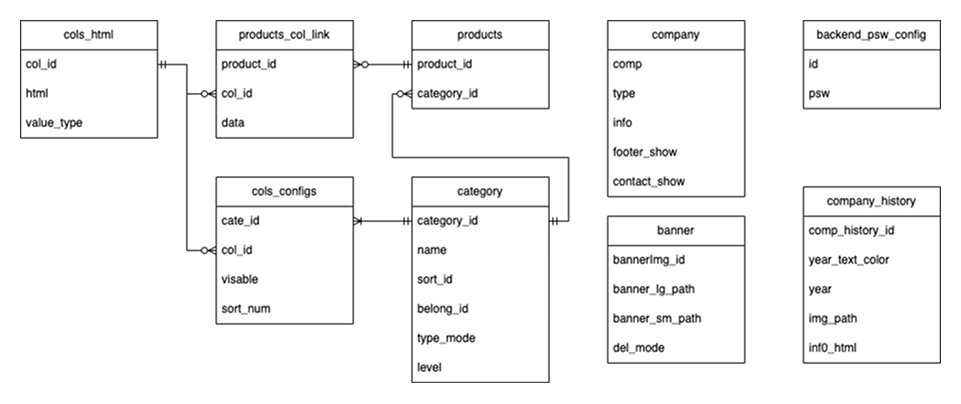
Data Architecture Design (ER Model)
Relational Table Design Rationale:
During development, a core challenge arose: different product categories require different fields for description, and the number and content of those fields vary, making it impossible to capture everything in a single product table. To solve this, a new design approach was adopted.
Three tables were designed: cols_html, products, and category.
cols_html stores column/field data, products stores product data, and category stores product category data.
In addition, two relational tables were designed: products_col_link and cols_congfigs.
products_col_link links products to their fields, and
cols_congfigs defines which fields need to be enabled for each category.
When a user queries products in a given category, the system retrieves product and field data based on the category. It then dynamically generates SQL statements to query the required fields. Finally, the system renders the query results on the frontend page.
Through this design approach, the challenge of describing product fields across different categories was successfully resolved. This approach not only improves system scalability and maintainability, but also handles complex query requirements effectively. In practice, this design can be further extended to meet even more complex needs.
Requirements:
- Each category has different table columns
- Each category maps to multiple products
- Up to 50 products per page (pagination required)
- All products can be sorted by any field
- Field data is a mix of numbers and text (numeric sorting required)
- Cross-category data retrieval
Implementation:
- Three tables designed to store fields
cols_html, productsproducts, and categoriescategory products_col_linkdesigned to store field data;cols_congfigsto define which fields each category requires- Retrieve products and fields by category, dynamically generate SQL, then aggregate into a single product table using INNER JOIN / GROUP (aggregation) and SUBSTRING / ORDER (sorting)
Standalone Tables:
- company: Company information records
- banner: Homepage banner image management
- backend_psw_config: Encrypted backend password verification
- company_history: Company history information management