Articles

Tinycast: An Open-Source Mac Launcher Worth Trying (and a Raycast Alternative)
A look at Tinycast, the setup that works for me, and what Raycast users should know before switching.
Pelmet: The Best Free Menu Bar Manager for macOS 27
How I use Pelmet to tidy the macOS 27 menu bar, and when Ice, Thaw, or Bartender makes more sense.
OpenUsage: Real-Time AI Usage in the Mac Menu Bar
Use OpenUsage to bring Claude Code, Codex, Antigravity, and other AI coding tools' weekly limits, session limits, and reset times into the macOS menu bar, so I can check the state before starting a long task and decide whether to run, wait, or switch tools.

How I Manage Multiple Claude and Codex Accounts: My Local Switching Setup
How I manage multiple Claude Code and Codex accounts on my local machine: Claude rotates through claude-swap, Codex uses codex-auth auto-switch, and account switching stays separate from client boundaries.
How I Use AI for Personal Knowledge Management: My LLM Wiki Workflow
How I use Obsidian, Memo, GitHub, a web reading layer, and Codex to turn sources, thoughts, and AI conversations into an LLM Wiki I can search and maintain.
My Input Efficiency Stack: AI Dictation, Chinese Input Methods, and Raycast Clipboard
How I split input into three layers: AI dictation for rough thinking, vChewing for precise Chinese typing, and Raycast Clipboard plus Snippets for reusable text
What to Install on a Mac for Screenshots and Recording: Shottr, Bob, and Recordly to Make Captures Beautiful and Powerful
My Mac toolkit for screenshots and screen recording: Shottr replaces the built-in capture with sharper, more powerful features, Bob fills in the OCR and translation gaps, and Recordly produces polished tutorial videos — three tools that cover the full daily capture-and-record workflow.
Multi-Account Bookkeeping: How I Track Credit Cards, Loans, Reimbursements, and Stocks in Qianji
Why does expense tracking fall apart over time? My multi-account bookkeeping workflow for credit cards, loans, reimbursements, and stocks, built around Qianji.
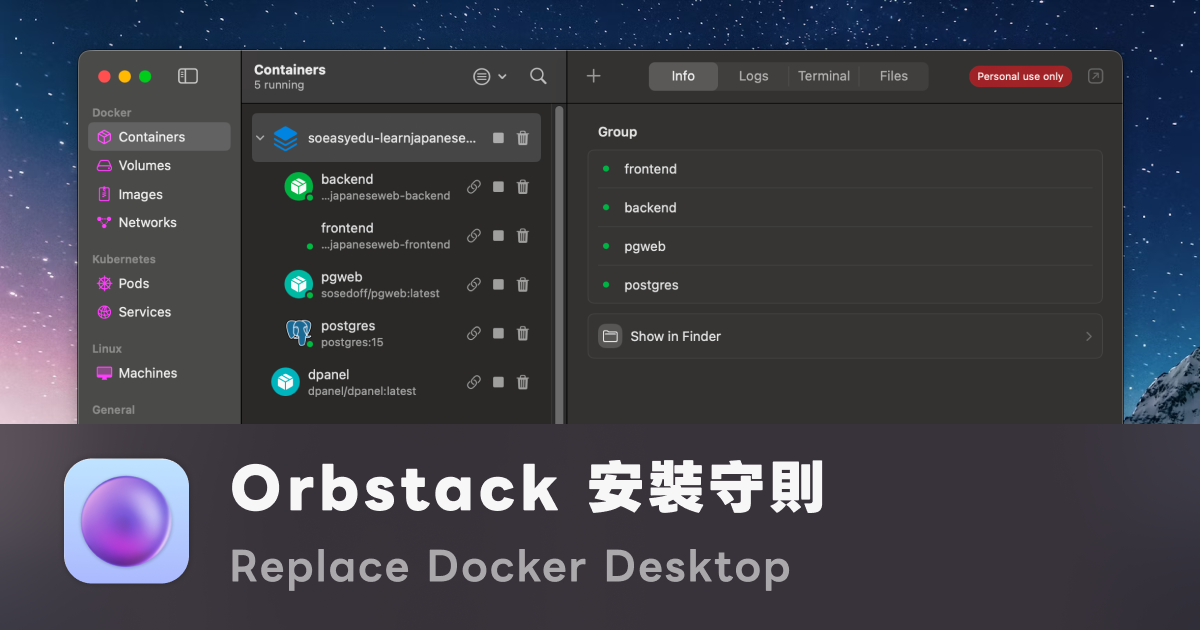
OrbStack: The Apple Silicon-Native Docker Desktop Alternative
Docker Desktop on Mac is slow, hot, and drains your battery — switch to OrbStack, rewritten on Virtualization.framework and Rosetta, and your full-stack containers finally run like native apps
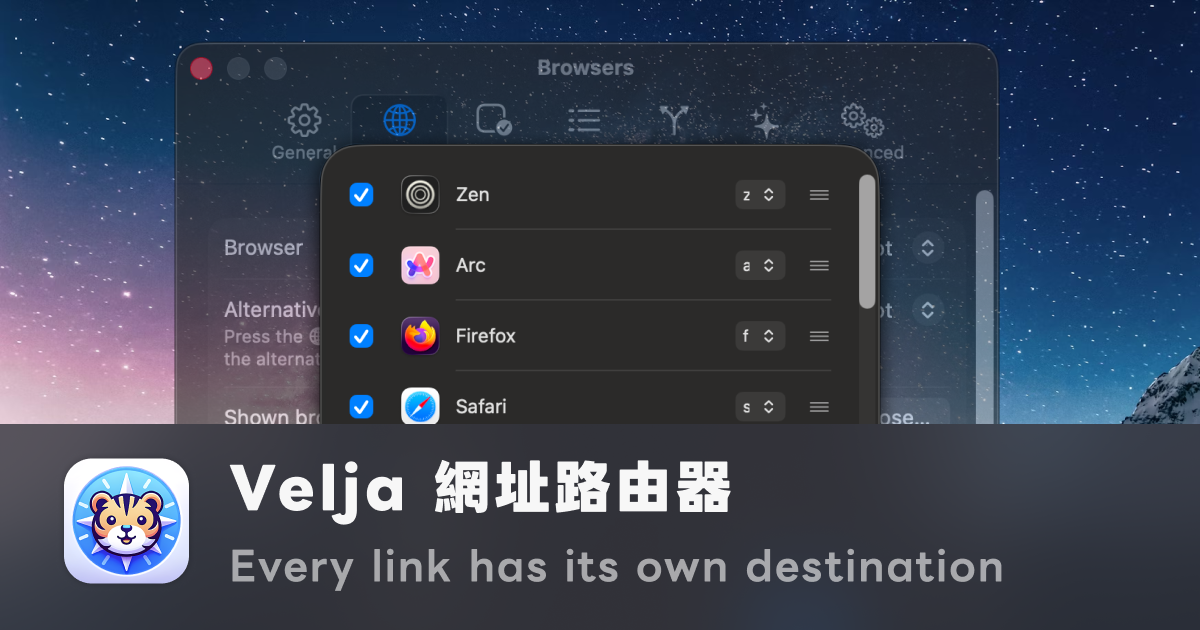
Velja: A URL Router for macOS — Every Link Has Its Own Destination
macOS's default browser is a dumb one-to-one mapping, but links have many identities — using Velja's Picker, Rules, and Apps mechanisms to route every link to the right browser, the right profile, or even the right desktop app
A Better Inbox: Managing Email with Gmail Filters, Spark, and Account Splitting
Treat your inbox like an information pipeline: use multiple Gmail accounts to route by type, Filters to auto-archive, Spark for layered reading, and Mailtrack to close the loop on sent mail
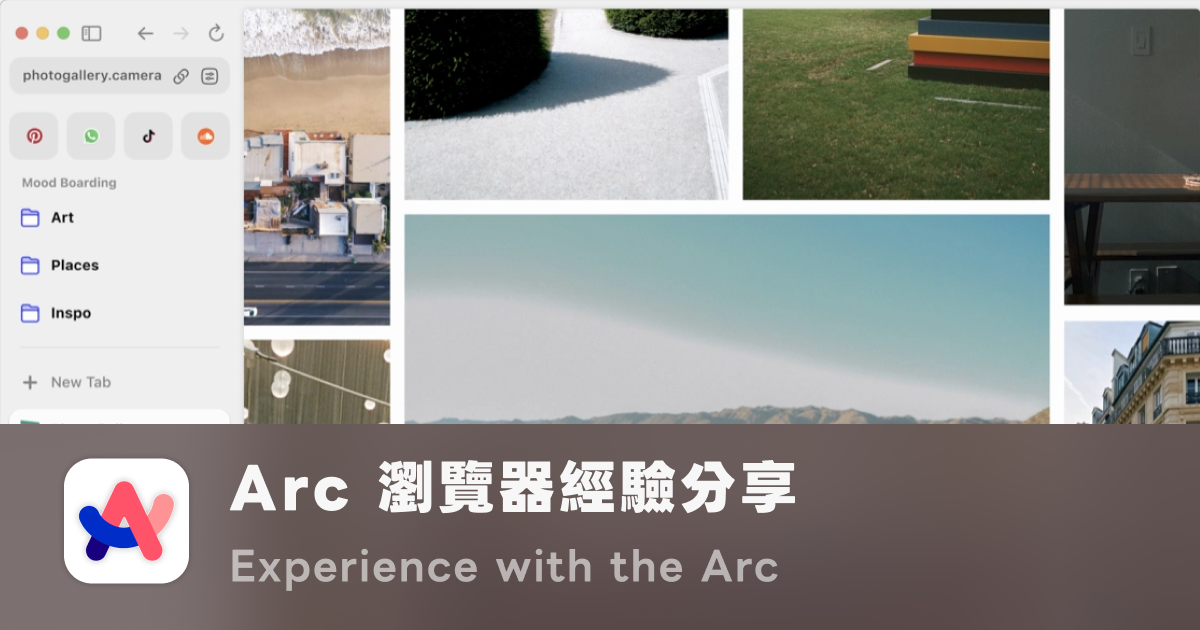
Arc Browser: The Best Browser UX I've Ever Used
Looking back at Arc's Peek, Spaces, Command Bar, and vertical sidebar from a digital productivity perspective — why these details combine into the ceiling of browser UX
No articles in this category yet