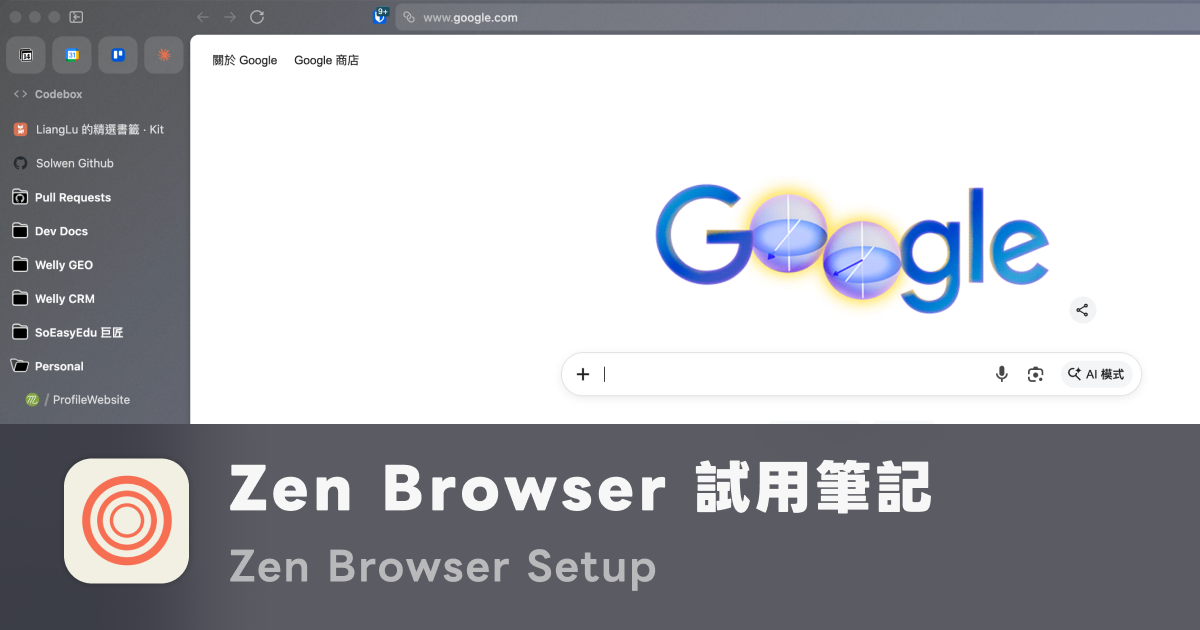
After Arc announced it was stopping major feature development, I started looking for a replacement and eventually landed on Zen Browser. I’ve been using it on and off for about three months now — as I write this, Arc isn’t fully closed yet, but the majority of my daily browsing has shifted to Zen.
This article covers Zen’s core features first, then compares it to Arc at the end — what carries over well and where the gap still shows. If you want to understand why Arc’s UX was worth preserving in the first place, I wrote about that in Arc Browser: The Best Browser UX I’ve Used.
What Zen Is
Zen Browser is an open-source browser built on Firefox. The goal is to rebuild Arc’s workflow-first browser UX from scratch, but on top of Firefox’s engine. The project is community-driven and actively maintained — you can track every release on GitHub, file issues, and submit feature requests.
For me, the core appeal is simple: Arc stopped developing, Zen is still growing. That’s the fundamental reason I’m willing to invest time migrating my workflow — a tool that keeps iterating is worth more than one that has already settled.
Core Features That Carry Over Arc’s Workflow
Zen has essentially rebuilt Arc’s workflow-first UX feature for feature. These four are the ones I use most and feel most clearly:
Workspaces + Vertical Sidebar
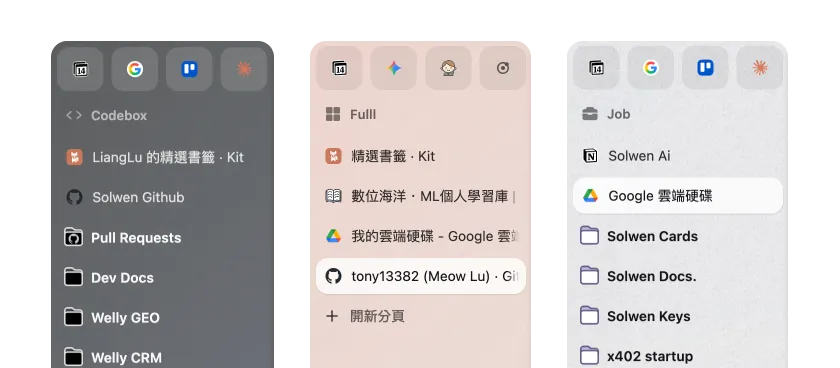
Zen’s workspaces and vertical sidebar are nearly a direct copy of Arc’s design. Switching between workspaces left and right, viewing tabs in the sidebar — these are the highest-frequency daily operations, and coming from Arc they have almost zero learning curve. Muscle memory transfers directly.
- Per-workspace pinned tabs: Each workspace has its own pins — work sites in the work workspace, personal stuff in the personal one, kept completely separate
- Multi-account container isolation: Using Firefox’s native container feature for account isolation — work Gmail and personal Gmail can be logged in on separate workspaces without incognito mode or separate profiles
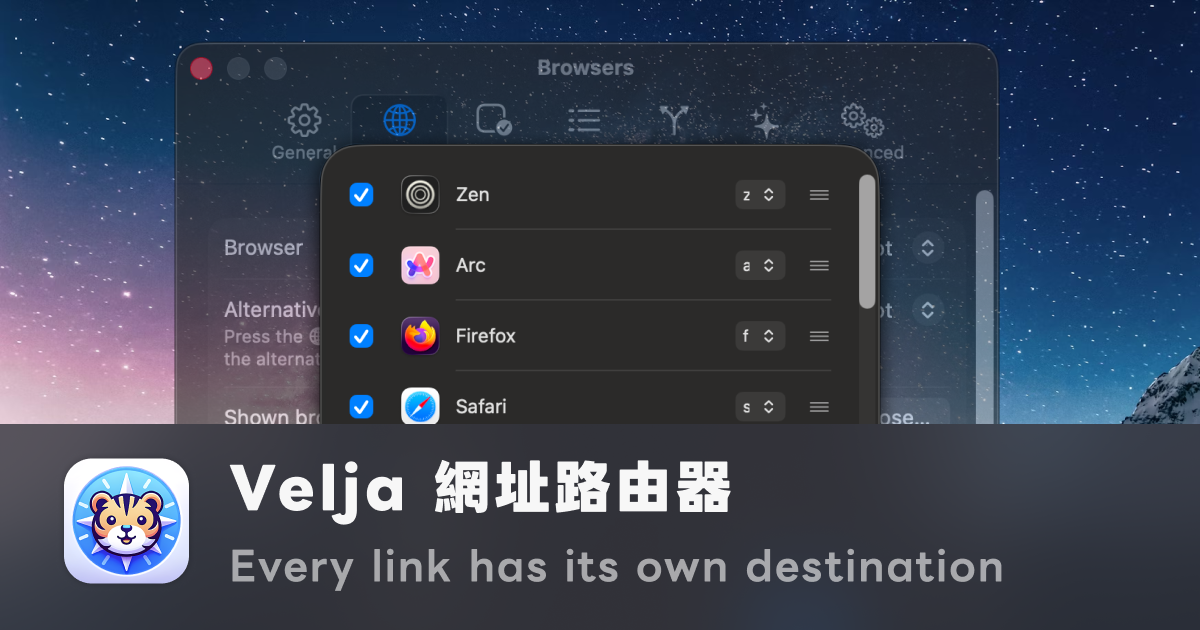
If, like me, you keep Zen, Arc, and Firefox around at the same time, workspaces are not the whole story. I use Velja as the routing layer for deciding where each link should open.
Command Bar: Keyboard-first Entry Point
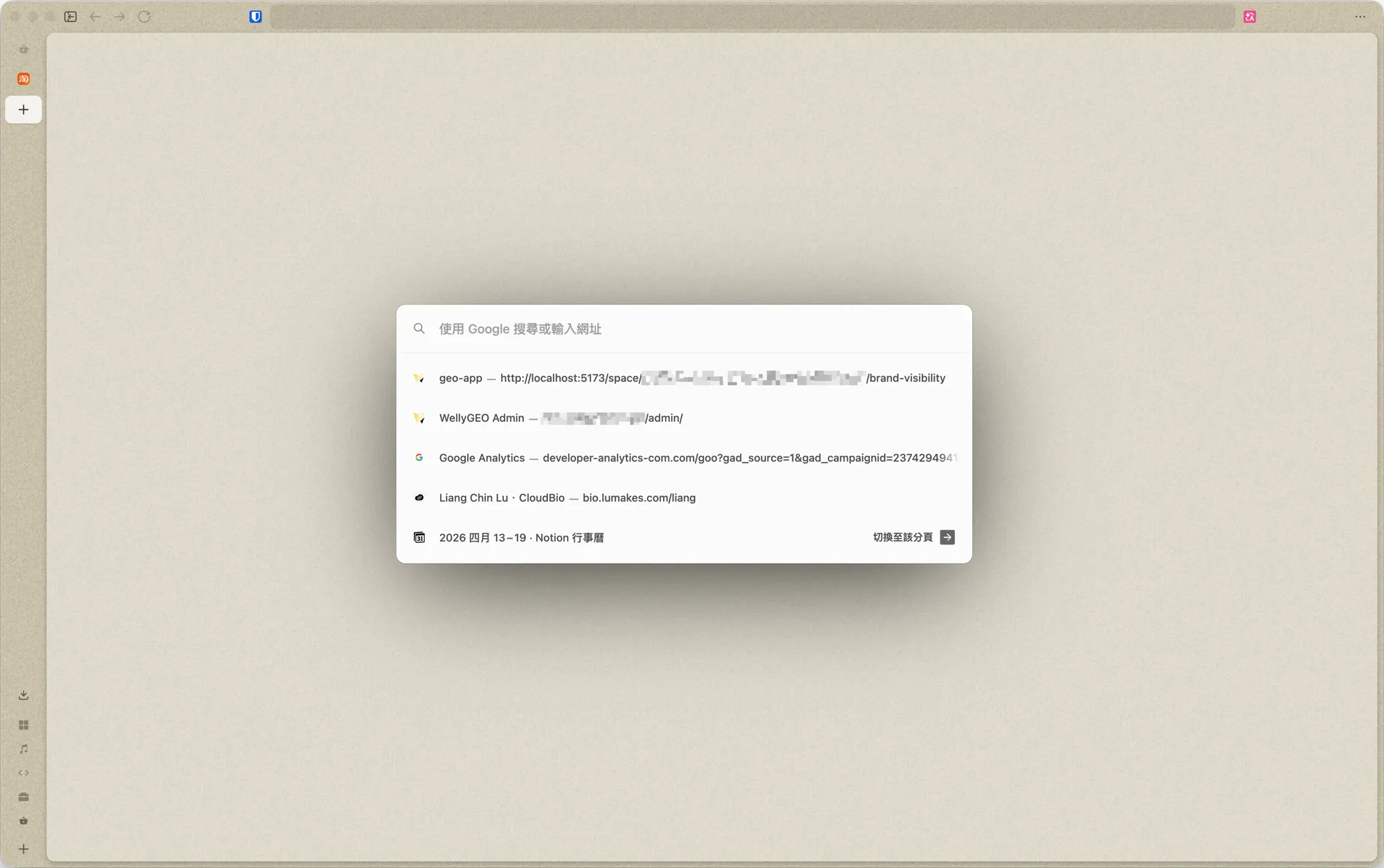
Zen has an equivalent to Arc’s Command Bar — pull it up with Cmd+T (or Ctrl+T on Windows) to search, open new tabs, jump to already-open tabs, or run commands. The habit I built in Arc of “never touch the mouse, everything through the keyboard” carries directly into Zen.
Split View: Native Side-by-Side Windows
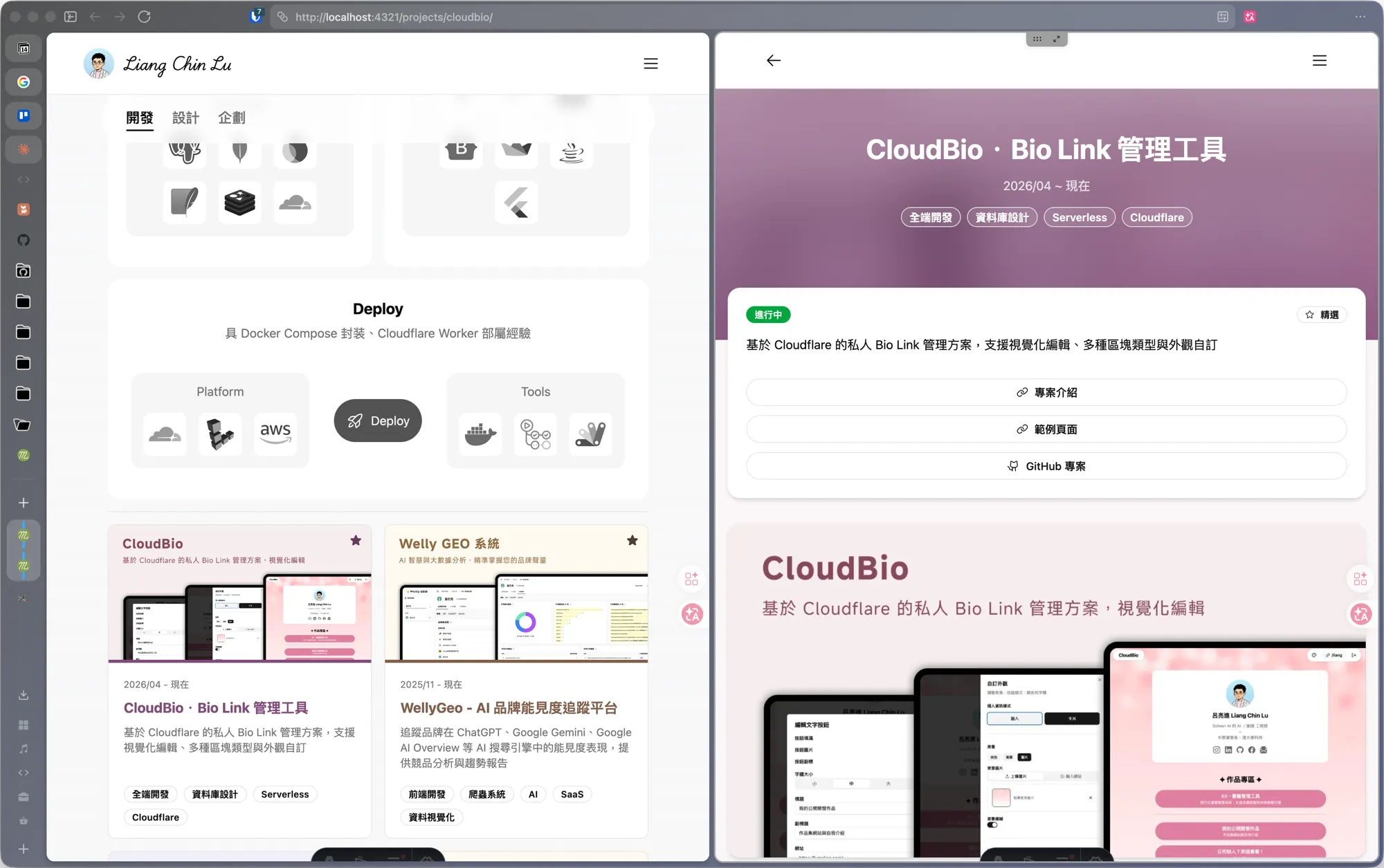
Zen has native Split View — displaying two (or more) tabs side by side in the same window, without having to open a second browser window and manually arrange them. I use it to cross-reference documentation and code, or watch a video while looking something up. The feel is essentially the same as Arc’s Split View — well-executed.
Glance: Zen’s Version of Peek
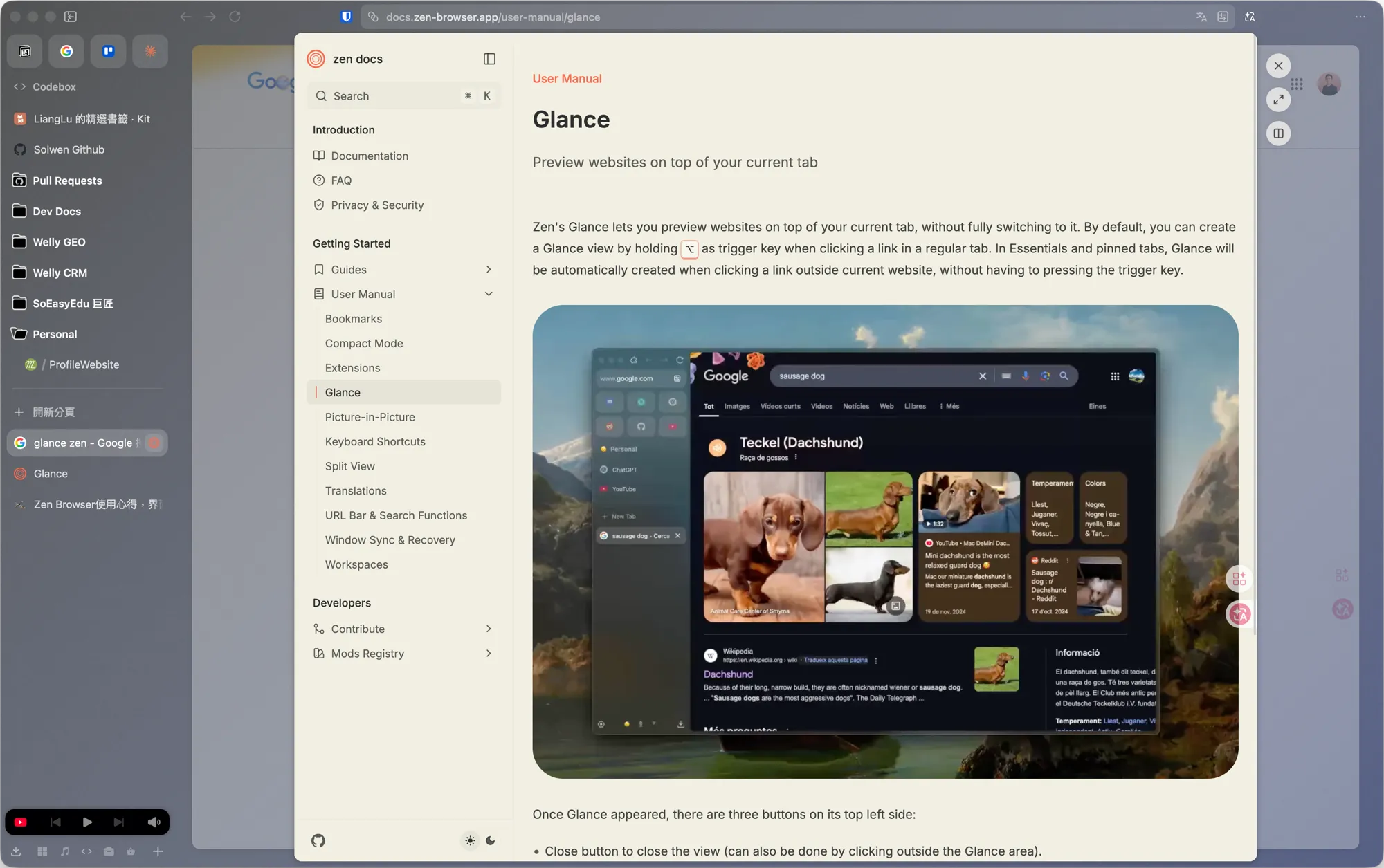
Zen’s Glance maps directly to Arc’s Peek — same concept: hold the trigger key (default Ctrl) and click a link, and the page opens as an overlay on top of the current tab. Close it when you’re done, no new tab created. On Essentials and pinned tabs, clicking external links even triggers Glance automatically without pressing the hotkey. The feel is identical to Arc — the “look something up without polluting your tab list” behavior is fully preserved.
This was the smoothest part of the transition from Arc, because the interaction logic and muscle memory line up completely.
Extensions and Mobile
Extensions: Find Firefox Versions in Add-ons
Since Zen is based on Firefox, extensions need to be installed from Firefox Add-ons — you can’t install Chrome extensions directly. Most of the extensions I use regularly have Firefox versions, so the migration had almost no functional gaps. A few that don’t have Firefox versions I swapped for alternatives, and the impact was smaller than expected. My current reading-focused extension setup is covered here:
 Web Reading Workflow
Mobile: No App Yet — Firefox Sync Bridges the Gap
This is probably what most people ask about first — Zen currently has no mobile app. My solution is to use Firefox on mobile, synced through Firefox Sync. Since the sync account is shared, it works as Zen desktop + Firefox mobile in tandem.
Worth noting: this approach mainly syncs browsing history across devices. The Essentials, workspace pins, and bookmark folder structure I’ve organized in Zen desktop don’t carry over one-to-one to Firefox mobile. For me, the mobile browser is mostly for looking things up on the go and following links pushed from desktop — Firefox with history sync is enough. But if you rely heavily on opening bookmarks from mobile or do a lot of heavy cross-device work, that’s something to evaluate upfront.
Honestly, Arc still beats Zen here — Arc’s Arc Search was a dedicated companion app designed specifically for the desktop, with bookmarks, Spaces, and sync all wired together. Zen is waiting for an official mobile app and currently relies on Firefox Sync for minimal history syncing — workspace pins and desktop organization don’t transfer.
For me personally, it’s acceptable — I never did complex things on mobile anyway. My phone is for reading and temporary capture: see something worth saving, read it in Safari, throw it into a “to organize” list, then go back to my desk and manually archive it to the right workspace or Notion. This flow was always desktop-first, and doing too much on mobile would only scatter the organizational logic.
Comparing to Arc: What’s Been Filled In, What Still Lags
After three months, Zen has functionally filled in almost all of Arc’s workflow: workspaces, sidebar, Command Bar, Split View, Glance, multi-account isolation, pinned tabs — everything I used daily in Arc has a corresponding implementation in Zen.
Where real gaps remain:
- Interface polish: Animation transitions, visual consistency, edge-case interaction feedback — you can still see rough edges in places that Arc’s “every action feels silky” experience didn’t have. This is a UX gap, not a feature gap
- Per-workspace extension activation: Arc could have different extensions active in different workspaces (dev extensions in the work workspace, reading extensions in the personal one). Zen currently shares extensions globally across all containers — per-workspace isolation isn’t there yet
- Mobile experience: Arc still leads here — Arc Search was a dedicated companion app. Zen has no official mobile app and only gets minimum-viable history sync through Firefox Sync; the desktop’s organized bookmarks and workspace pins don’t transfer
Where Things Stand Now
Three months in, I’m still running both. Arc is in the “occasionally open to check history” position; Zen is my daily primary browser. Once Zen iterates a few more versions and I finish migrating the remaining workspace pins, Arc should be ready to retire.
If you’re looking for an Arc replacement, Zen is the closest thing out there right now — core workflow fully preserved, actively developed, open source and transparent. If you can accept that the polish isn’t quite there yet and you’re willing to wait for it to grow, it’s well worth investing the time.