Here’s a breakdown of the online services and subscriptions I’m currently using — AI dev tools, productivity platforms, design tools, and other development-related services.
AI Tools
Claude
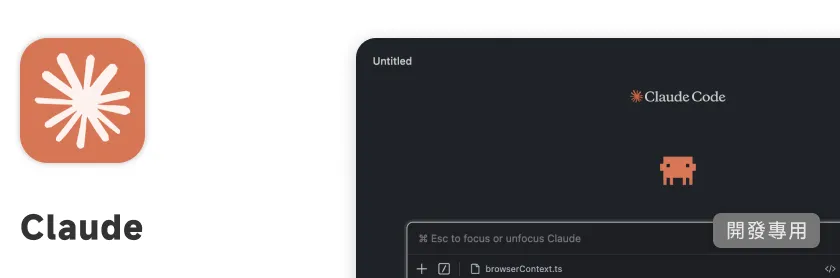
My primary AI service right now, on the Max plan ($100/month). The reason I went with Claude is that for coding, it hits the best balance of speed and accuracy among what I’ve tried. My main setup is Claude Code inside VS Code for development, code review, and day-to-day technical discussions.
Why upgrade to the $100 Max plan? Because the Opus model hits rate limits pretty often under the $20 Pro plan — getting throttled mid-task is a bad experience. The Max plan is essentially the level where even heavy personal usage rarely runs into limits. If you’re a power user, I’d definitely recommend it.
ChatGPT / Codex
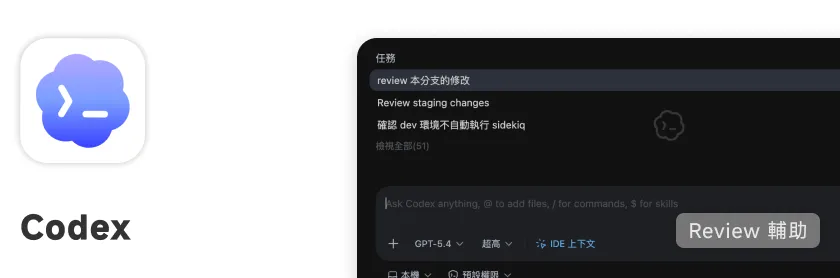
OpenAI’s AI service, on the Plus plan ($20/month). I mainly use Codex for a second pass at code review — pairing it with Claude Code for cross-model code inspection. Since the use case is focused on review rather than primary development, usage stays relatively low and the $20 plan is plenty.
Personally I find the Claude-for-development + ChatGPT-for-review combination works pretty well. Having two different models check each other tends to catch more issues.
$20 / month ChatGPTGemini Advanced
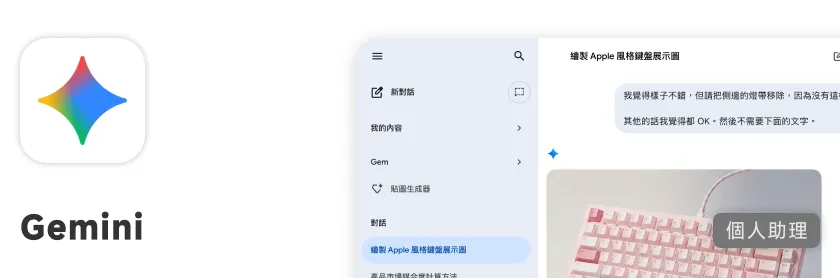
Bundled with my Google One 2TB plan. Where Gemini really stands out is its deep integration with the Google ecosystem — my primary calendar is Google Calendar, and Gemini can operate it directly, like creating events or querying the schedule.
Gemini can also handle audio files — transcribing voice recordings or generating summaries, which is something Claude and ChatGPT still don’t do particularly well. Its image generation is also excellent, so I use it for image-based creative work.
Included with Google One 2TB plan GeminiGrok
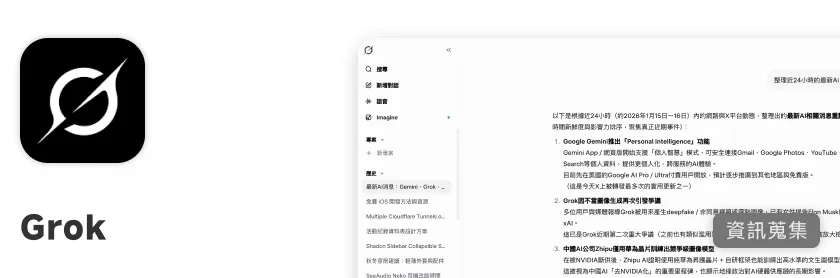
xAI’s AI service, and its biggest differentiator is that it can read and summarize real-time posts from X (Twitter). For me it’s a quick way to stay on top of AI news — this field moves fast, and a lot of first-hand information and discussion hits X before anywhere else. Grok lets me catch up on what’s happening without digging through my feed.
Free to use, advanced features require subscription Grok| Service | Plan | Primary Use |
|---|---|---|
| Claude | Max · $100/month | Code development, refactoring, debugging |
| ChatGPT / Codex | Plus · $20/month | Code review, secondary checks |
| Gemini Advanced | Bundled with Google One | Audio transcription, image generation, Google ecosystem operations |
| Grok | Free tier | AI news aggregation, real-time X information |
Productivity Tools
Notion
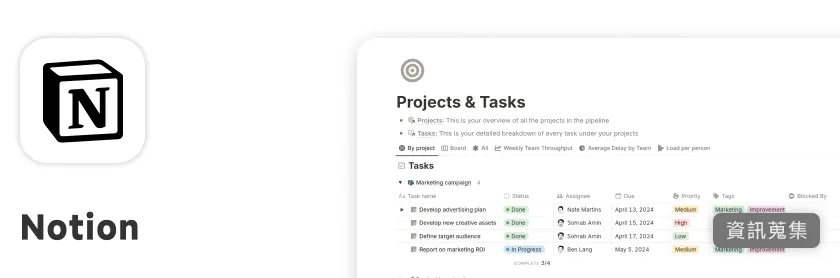
My main platform for project management and scheduling. I’m using a Personal Pro plan converted from an education account, which is functionally equivalent to the paid version.
Database and Project Management
I rely heavily on Notion’s Database features to centralize each project’s requirements, documentation, and progress tracking. The paid plan’s Button feature is particularly useful — it lets me do small automations, like one-click creation of templated pages or status updates, which saves time in daily use.
API and Automation
Beyond that, I use the Notion API for more advanced automation, or treat Notion as a lightweight database for managing structured data.
Notion Calendar
For scheduling, I primarily use Notion Calendar. I connect it to Google Calendar so all my events — work and personal — are visible in one place.
Education plan converted to Personal Pro NotionCanva
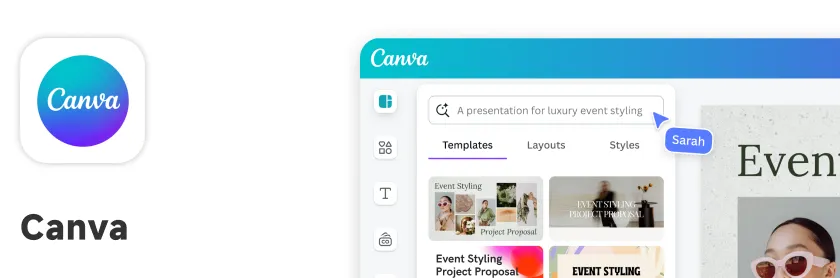
My design and content creation tool, also on a Pro plan converted from an education account. I use it for graphics, presentations, and managing Instagram content. Among all the web services I use regularly, Canva’s user experience is genuinely one of the better ones.
Brand Templates
You can set up a brand color and typography system in the template section — saving commonly used templates and assets upfront so everything’s ready to apply when making new content. No need to reconfigure from scratch each time.
Collaboration and Asset Search
Supports multi-user collaboration, and you can search assets right inside the interface without opening a separate window. The paid plan’s asset library is extensive enough that I rarely need to look for external resources.
Sharing and Publishing
Finished designs can easily be published as web-viewable pages and embedded into websites with minimal compatibility issues.
Cross-device Support
Has folder organization built in for easy management. Also available as a mobile and tablet app, so I can create graphics on the go without needing to be at my desk.
Education plan converted to Pro CanvaCloud Storage
Google One 2TB
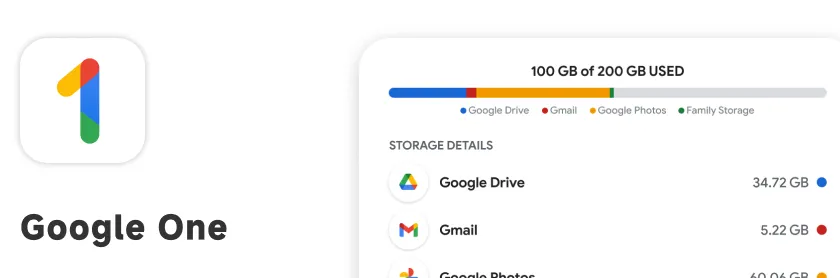
I’m on the Google One 2TB plan. Beyond just storage, it comes with a solid set of additional services that together work like a lightweight personal Workspace account.
Google Drive
2TB is more than enough for my needs. I keep most of my backup files and reference documents there. Unlike iCloud which is mainly useful within the Apple ecosystem, Google Drive works across Windows and Mac — much better cross-platform compatibility.
Google Photos
Google Photos is honestly the most useful part of the whole plan for me. Its image analysis capabilities are excellent — facial recognition and automatic categorization in particular are more mature here than in most alternatives. With 2TB of space, I can upload everything without worrying about running out.
Google Meet Advanced Features
The plan includes Google Meet recording and advanced meeting features, which is handy for sessions where I need to keep a recording.
Additional Perks
Google One also comes with some free AI credits (Gemini Advanced) and occasionally pushes out additional features and benefits over time.
Subscription Google OneReading and Knowledge Management
Readwise
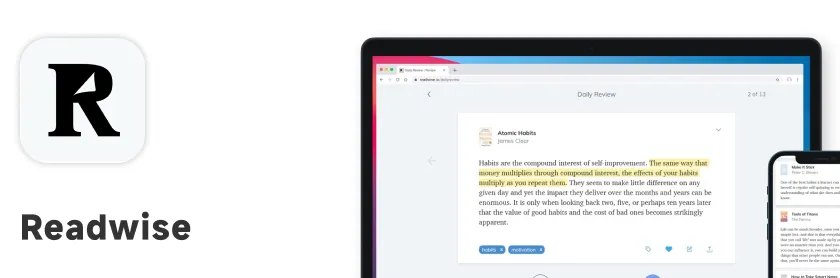
I’m on the combined Readwise + Readwise Reader plan. My main use case: I read ebooks on my iPad with Apple Books, and all my highlights and annotations automatically sync to Notion through Readwise for centralized management.
With the browser extension, I can also highlight and clip content directly on web pages, which makes the reading note collection flow pretty smooth.
Development Services
Cloudflare
All my domain and deployment services are centralized on Cloudflare. Buy one domain, and you get access to a lot of free services on top of it — the overall value is excellent.
Transparent Domain Pricing
Cloudflare charges cost price for domains — no “first year cheap, second year spike” surprises. The price stays flat long-term, which makes budgeting predictable.
Workers and Free Tier
The free Cloudflare Workers quota is generous enough that personal projects and small-scale development basically cost nothing. Cloudflare Pages for static site hosting is also free.
Database and Storage
Cloudflare offers D1 (SQLite database), KV (key-value cache), and R2 (object storage) — all with free tiers. R2 is useful for hosting images or static assets without paying for a separate image hosting service.
Cloudflare Tunnel
Tunnel lets me expose services running on internal ports without needing a public IP — basically network tunneling from behind NAT. I run several admin services this way.
Combined with Cloudflare Access, I can add user-level access control — restricting access to only accounts I specify, so nothing is publicly reachable. An extra layer of security that’s easy to set up.
Free to use, advanced features require payment CloudflareDeepnote
A cloud Jupyter Notebook environment I use when I need a cloud-based setup for data processing. Good for quickly picking up work on different devices or collaborating with a team.
Free to use, advanced features require payment DeepnoteBitwarden
An open-source password manager. I use it with the browser extension and mobile app to manage all my passwords and passkeys in one place. Cross-platform sync is solid and reliable.
Free BitwardenMedia and Entertainment
Apple Music
My music streaming service of choice. The main reason: if you want lossless / Hi-Res audio quality, Apple Music’s pricing is relatively competitive compared to other platforms — good value for what you get.
Subscription Apple MusicYouTube Premium
In the iOS ecosystem, YouTube Premium is the most straightforward way to get ad-free viewing. Unlike desktop where you can use extensions, iOS doesn’t allow that — subscribing to Premium is the direct solution. Background playback and offline downloads come along with it.
Subscription YouTube Premium