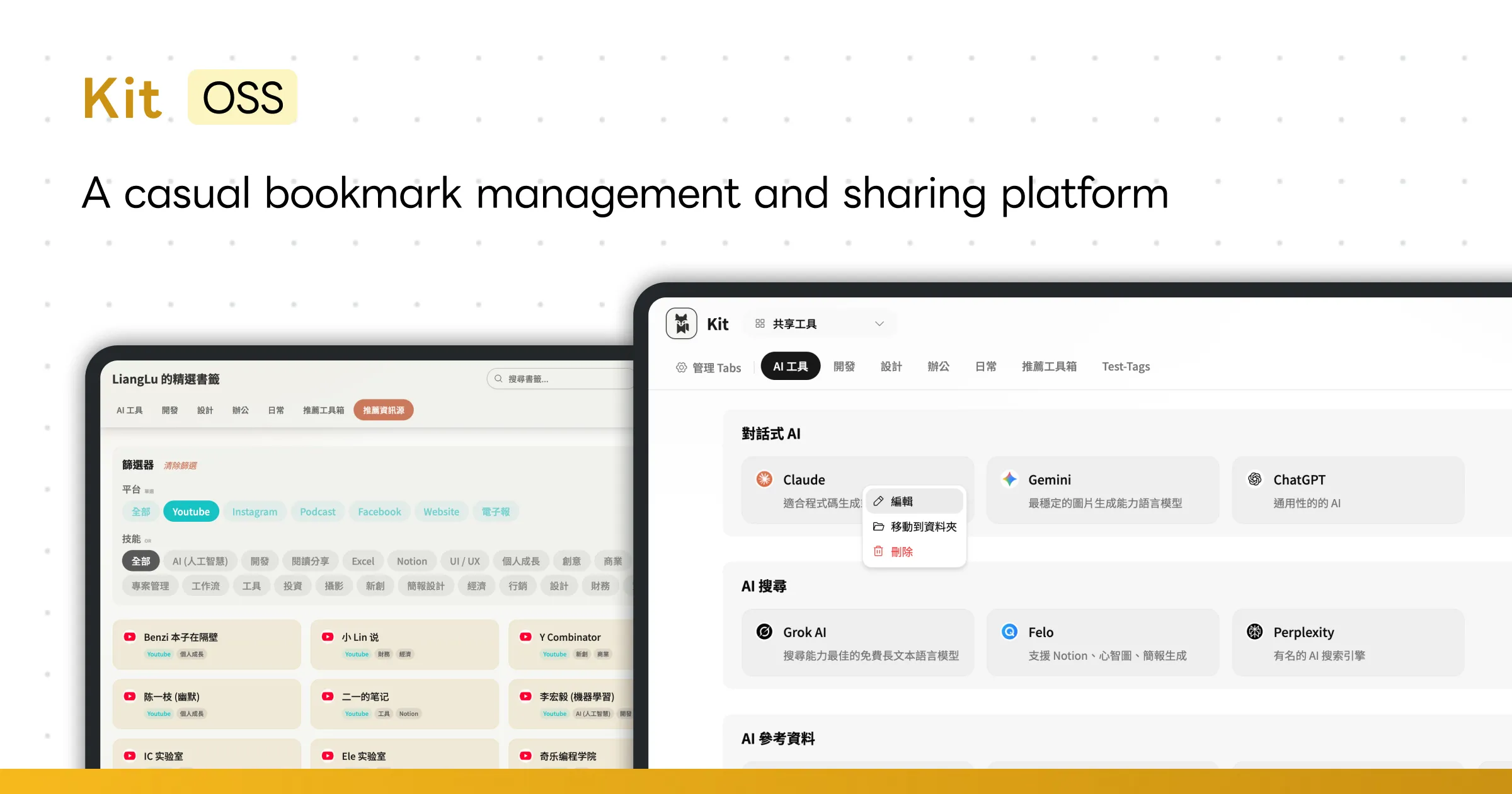
Project Overview
Kit is a self-hosted bookmark manager. Keep work references in one workspace and frontend tutorials you want to recommend in another. Organize them with folders or tags, then share the tutorial workspace as a read-only page when you want to send it to a friend.
My Role
I designed the data model for workspaces, tabs, and bookmarks, built the folder and tag interfaces and drag-and-drop sorting, implemented read-only sharing and browser caching, and deployed Kit to Cloudflare Pages.
Features
Organize project resources and tutorials in separate tabs
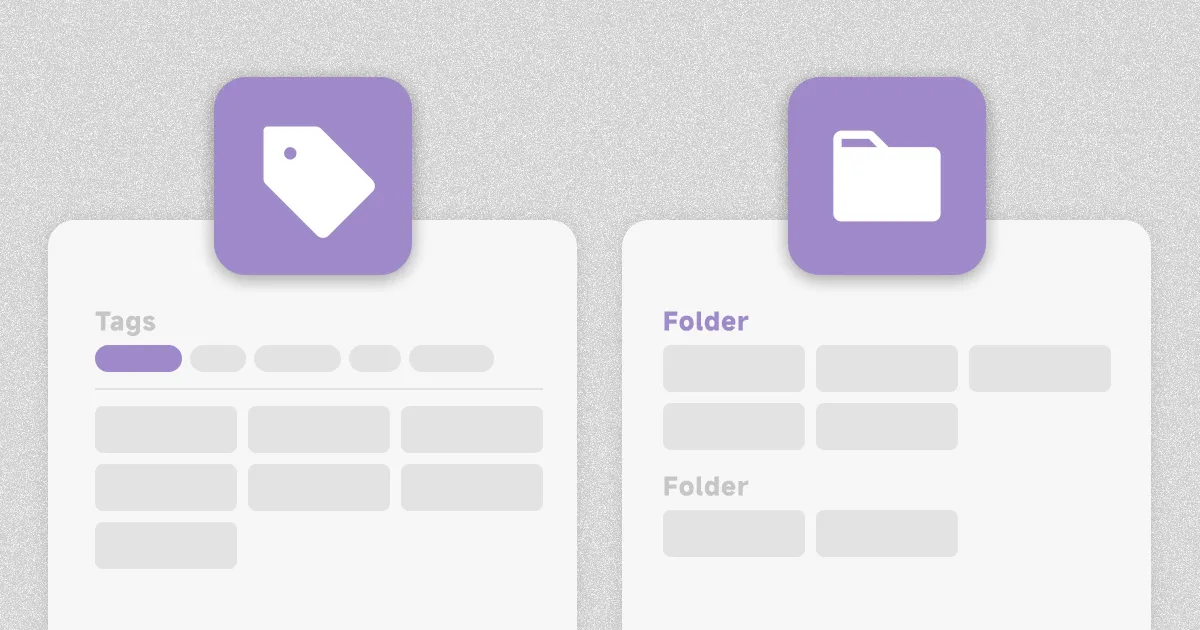
Choose folder mode when creating a project resources tab, then drag links into folders such as Requirements or Deliverables. Create a separate tab in tag mode for tutorials. Tag one article with both “CSS” and “Beginner” so you can find it later using both filters.
Share a workspace as a read-only page
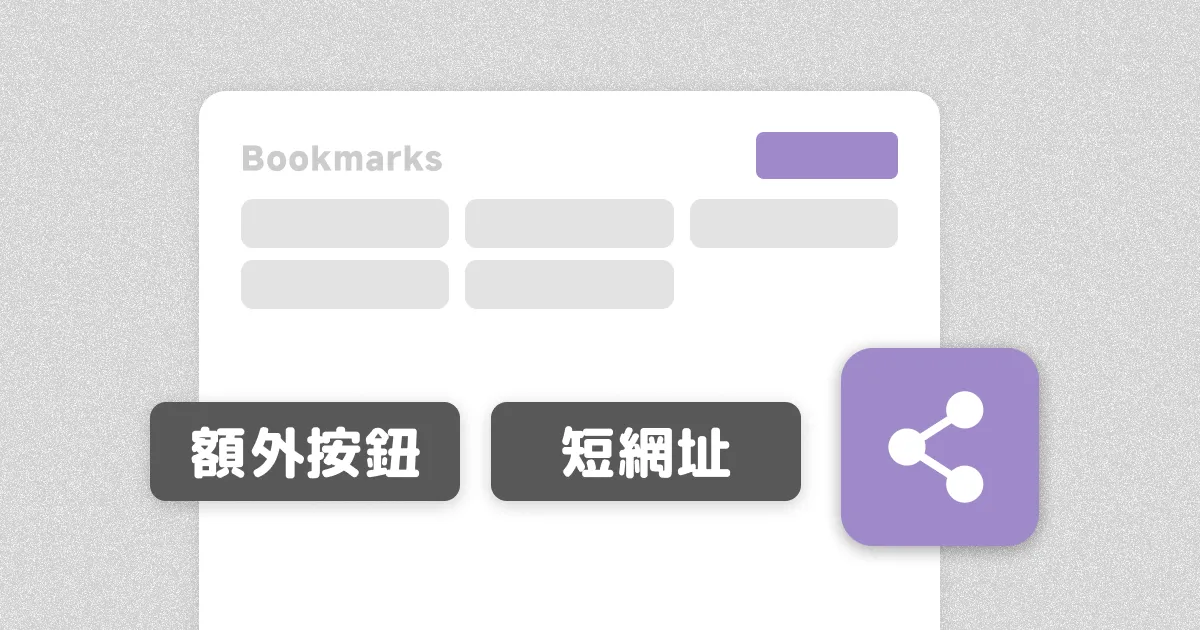
Switch to your tutorials workspace and open the Share menu. Give the page a name, create the link, and send it to a friend. They can browse all the tabs in that workspace and filter or search the bookmarks. The shared page is read-only.
Find a bookmark on the shared page
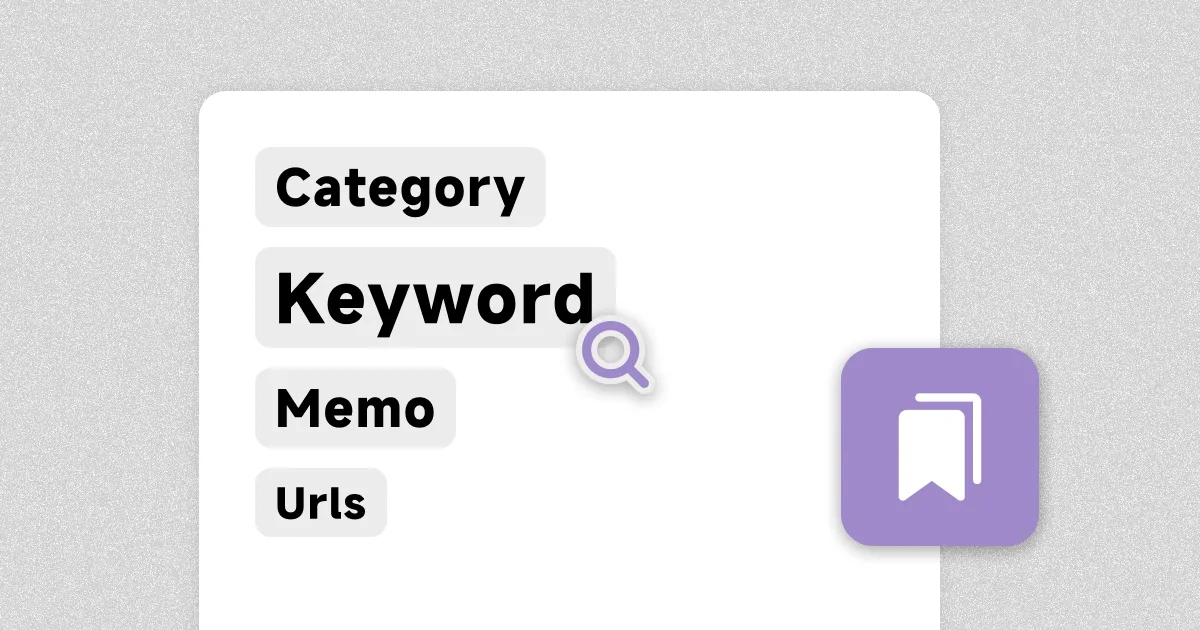
Press Cmd + K or Ctrl + K on the shared page and enter words you remember, such as “CSS beginner.” Kit searches bookmark titles, URLs, notes, and tags across the tabs in that workspace. Each result shows the original tab or folder, and you can open the bookmark directly.
Key Decisions
Let each tab use folders or tags
I built two familiar ways to organize bookmarks into Kit. Each tab can use the mode that suits its contents, so both can coexist in one workspace.
Folders work well for material with a clear scope. You can create a folder for a project, then nest folders for requirements, designs, and deliverables. Each bookmark has a place in the hierarchy, so you can follow a familiar path back to it.
Tags help when you want to find the same bookmark from different angles. A tutorial can be tagged with both “CSS” and “Beginner.” You can group articles by topic while browsing, then narrow the results by skill level.
In folder mode, a bookmark belongs to a folder. In tag mode, it belongs directly to a tab and can be linked to multiple tags. A tag group can match all selected tags, match any of them, or allow just one selection. Filters from different groups apply together.
Trade-off
Converting nested folders into tags requires deciding which names and levels to keep. I made the mode fixed once a tab is created. Switching approaches means creating a new tab and reorganizing its bookmarks. I also maintain separate data-loading and rendering paths for the two modes.
Check the data version before reusing the share page cache
Kit assembles tabs, folders, bookmarks, and tags when it loads a shared page. Readers can revisit the same collection after the owner has made changes. I store the page data in the browser’s localStorage alongside a version identifier. When the owner edits a bookmark or changes the sharing settings, the server assigns that account a new version.
When browser data is already cached, Kit asks the server whether the share link is still valid and checks the current version. If the versions match, it reuses the local copy and skips another full browser-side fetch. A mismatch or a failed version check falls back to the full loading flow.
Trade-off
The browser still needs a network request to check the version. Versions are tracked per account, so changing another workspace can invalidate this page’s cache. Opening the share URL directly still loads and includes the full data on the server. The cache saves repeated loading work on the browser side.
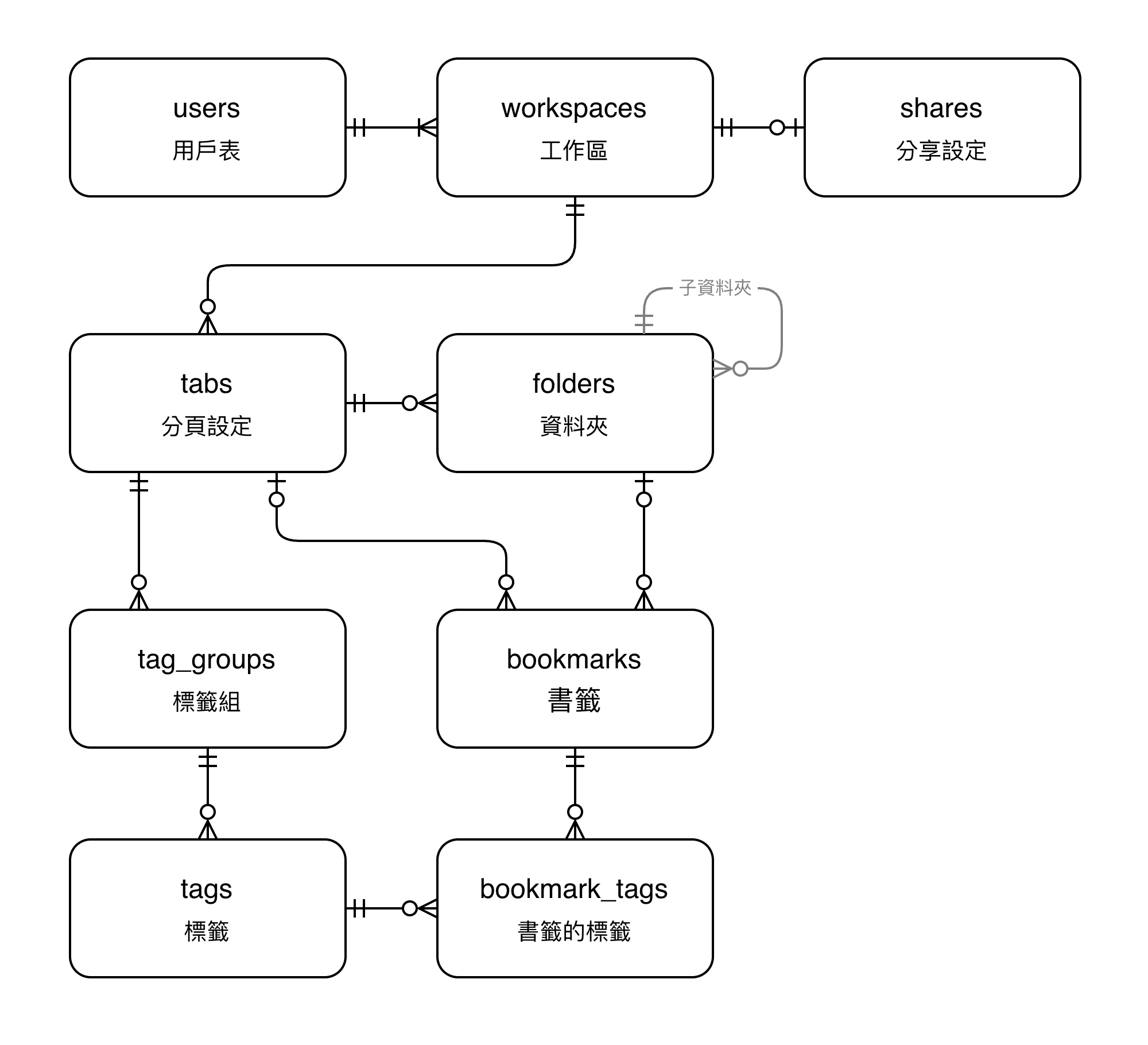
Database Design
Kit manages nine tables with D1 and Drizzle ORM. tabs.type records the organization mode of each tab. Both modes use the same bookmarks table for titles, URLs, and notes.
In folder mode, folder_id points to the bookmark’s folder and parent_id preserves the folder hierarchy. In tag mode, tab_id links the bookmark directly to its tab, and bookmark_tags connects it to multiple tags. tag_groups.filter_mode records how a tag group filters or groups bookmarks.
shares.workspace_id identifies the workspace shown on a shared page. users.data_hash stores the data version that the browser checks before reusing its cached copy.
| Table | Purpose | Key fields |
|---|---|---|
| users | User account | id, email, password_hash, data_hash |
| workspaces | Workspace. A user can have multiple workspaces. | id, user_id, title, sort_order |
| tabs | Tab, in folder or tag mode | id, workspace_id, title, type |
Technical Architecture
Keep self-hosting costs low with Cloudflare
I published Kit’s source code so people can deploy it to their own Cloudflare accounts. Cloudflare Pages hosts the frontend, and Pages Functions runs the server-side code in the Workers runtime. Personal use can start on the free plan without keeping a server running. The deployment comes with a URL, and you can connect your own domain if you have one.
Store personal bookmarks in D1
Kit is built for personal libraries, where most writes are new bookmarks, tag edits, or reordering. I chose D1 because SQLite’s relational model can represent nested folders and many-to-many tags. D1 binds directly to Pages Functions, so self-hosters can skip provisioning a separate database service. Drizzle ORM handles the schema and migrations.
Build customizable workspaces with shared components
I started with shadcn/ui menus and dialogs. Their source lives in the project, so I can change how they look or behave directly. Tailwind CSS keeps spacing, typography, and interaction states consistent. Users can set an accent color, font, and background for each workspace. Those settings apply to both its bookmark view and its public share page.
React Router v7 handles pages and data loading, dnd-kit handles folder and bookmark drag-and-drop, and Phosphor Icons provides the interface icons.
Separate editing permissions from public browsing
A Kit deployment has a public URL, so users sign in to edit their own bookmarks. Anyone with a share link can browse the corresponding workspace in read-only mode. The backend signs JWTs with jose and maintains the session in a cookie. It hashes passwords with PBKDF2-SHA256 (100,000 iterations). The person hosting Kit can also use an email allowlist to control who can register.
API Design
When you edit a bookmark, the management page sends the change to a React Router action. The server checks that the signed-in user can edit the bookmark, writes the change to D1, and updates the account’s data version. The public share page loads the workspace through a loader. The browser uses the version endpoint to decide whether it can reuse its cached copy.
Management requests send FormData with an intent field to specify whether to create, edit, delete, or reorder an item.
Bookmarks api.bookmarks
Create, read, update, or delete bookmarks, move them between folders, and update their order in batches.
Folders api.folders
Create, edit, delete, or reorder nested folders and toggle their collapsed state.
Tags api.tags / api.tag-groups / api.bookmark-tags
Manage tag groups, create or edit tags, and link them to bookmarks.
Workspaces and tabs api.workspaces / api.tabs
Create, rename, delete, or reorder workspaces and tabs. Choose folder or tag mode when creating a tab.
Sharing api.shares
Create, update, or delete a read-only workspace link. Configure an optional short URL and extra button.
Share page version check api.data-hash
Check that the share link exists and return the owner’s data version so the browser can validate its cache.